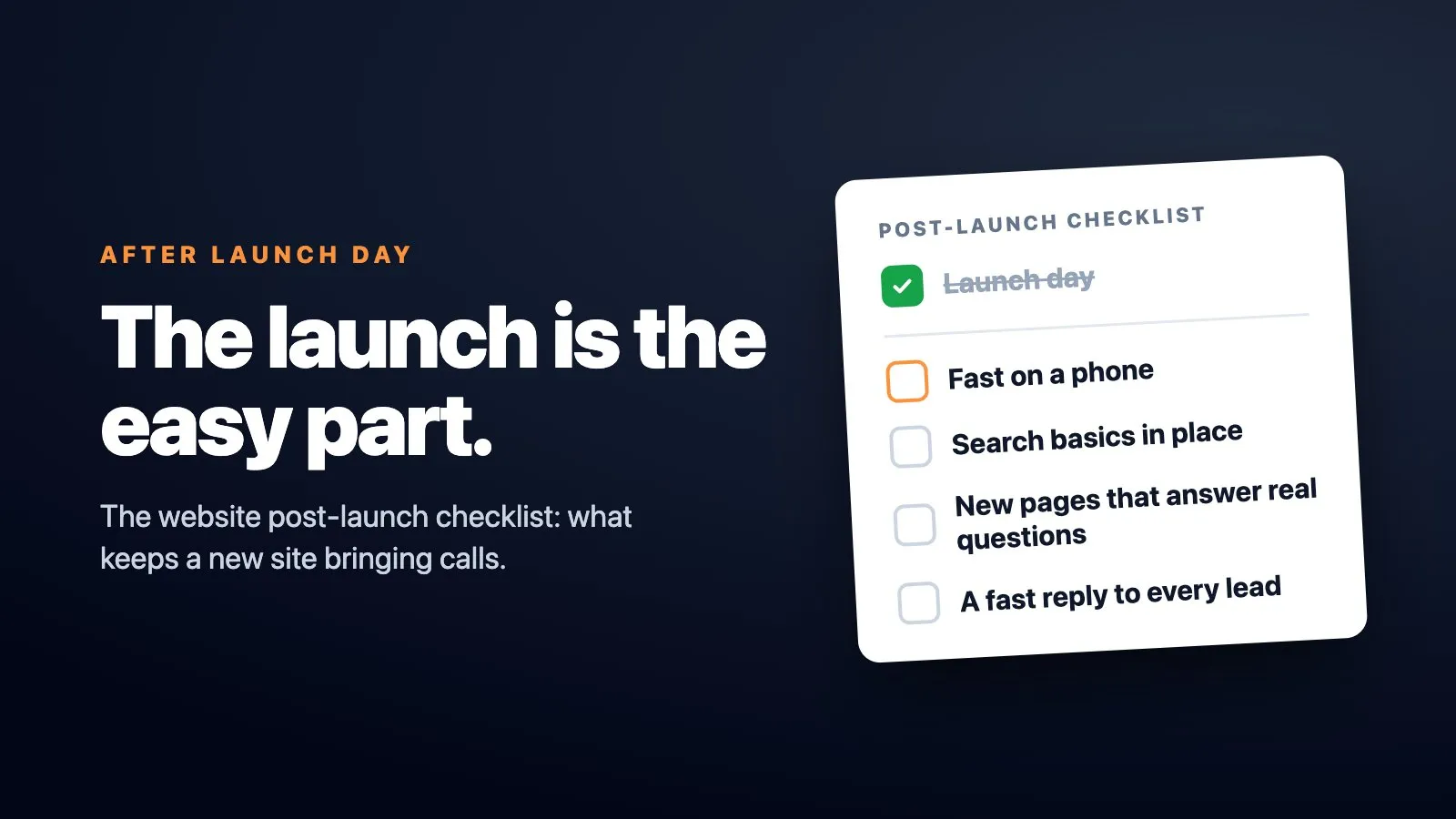
Quick answer: A website post-launch checklist should start with the boring stuff: can Google crawl it, do the forms send, is it fast on a phone, and is someone watching for leads that fall through the cracks. Rankings and new pages come after that, not before it. The checklist never finishes, because the sites that keep bringing in calls are the ones someone keeps working on long after launch day.
The launch is the easy part
Launch day feels like the finish line. The site is live, the client is happy, everyone shakes hands and moves on to the next project.
That feeling is wrong. Launch day is the starting line.
A website only starts bringing in calls once someone keeps working on it: its speed on a phone, its search basics, new pages that answer real questions people are typing into Google, and fast replies to every lead that comes through. Most business websites in Ontario get left exactly as they launched.
When we measured 1,277 Ontario trade and clinic websites for the Ontario Trades Web Index in November 2026, the median one took 8.3 seconds to show its main content on a phone. Google calls 2.5 seconds good.
What to do after website launch, in the first week
Before you think about rankings or blog posts, check that the basic machine works. This is the part most checklists online rush past, but it's the part that breaks businesses.
Start with crawlability. If Google can't find and read your pages, nothing else on this list matters. Submit your sitemap in Search Console and confirm your key pages are indexed, not just published.
Then test every form on the site yourself. Submit the contact form, the quote request, the booking widget, whatever collects a lead, and make sure the email lands somewhere a human checks. A broken form after launch is invisible to the owner and devastating to the business, because leads vanish with no error message and no warning.
Check your analytics and conversion tracking are firing correctly. If you can't see where visitors come from or what they do, you're flying blind for the next six months.
Crawlability, working forms, and basic tracking matter more than rankings in the first 30 days. Chasing position on Google before you've confirmed the plumbing works is backwards.
That's not a popular opinion in most launch checklists, but it's the right order of operations.
Post-launch SEO checklist: the part people skip
Once the plumbing works, move to search basics. This is where "post-launch SEO checklist" articles usually start, and where they usually stay too generic to be useful.
Confirm your title tags and meta descriptions are written for humans, not stuffed with repeated keywords. Check that your pages load fast on mobile, since most searches for local businesses happen on a phone in a parking lot or a driveway.
Make sure your Google Business Profile matches your website exactly: same name, same address, same phone number. Small mismatches confuse both customers and search engines.
One myth worth killing here: posting constantly or keeping content "fresh" does not by itself lift your rankings. Google has said freshness only matters for topics where people expect recent results, like news or events. A plumber's service page about water heater installation doesn't need weekly updates to rank. It needs to answer the question someone is searching for.
First 30 days after website launch: what to watch
The first month tells you more than the launch itself. This is the observation phase, and it requires a different mindset than building did.
Once a site goes live, the owner's job shifts from builder to observer. That's a harder shift than it sounds, because builders want to keep building, and watching feels passive. It isn't. Watching is how you find out what's working.
Here's what to track during those 30 days:
| What to watch | Why it matters |
|---|---|
| Pages getting indexed | Confirms Google can see your content |
| Mobile load speed | Most local searches happen on a phone |
| Leads vs. form submissions | Shows if your tracking matches reality |
| Response time to new leads | Slow replies lose jobs to faster competitors |
| Search queries bringing traffic | Reveals what people search for you |
If a number looks off in week one, that's useful information, not a crisis. It's your first real signal about what to fix next.
Post-launch optimization steps that move the needle
Here's where most sites stop and most businesses stall. A site that launches with 10 pages and still has 10 pages two years later isn't a finished product. It's a stalled one.
I built the website for MTS Moving, and it didn't stop at launch. Over the years it grew into 91 pages: province pages, city pages for Calgary, Vancouver, Toronto and others, route pages, service pages, and 60 blog posts. Over three years, the business grew 400%.
The site kept changing because the business kept growing, and every new page was another way for a customer to find them. That's not a coincidence. Each city page, each route page, each blog post answered a specific question a real customer was typing into Google. More doors in means more customers finding the right room.
This is the real version of "add fresh content": not posting for the sake of posting, but adding pages that answer questions your current site doesn't answer yet.
Prioritizing when you don't have time for all of it
Most business owners don't have unlimited hours to spend on their website. If you're choosing where to spend the next hour, spend it in this order:
- Fix anything broken: forms, broken links, slow mobile load.
- Confirm your tracking is accurate so your decisions are based on real data.
- Respond to every lead within minutes, not hours, since speed wins jobs.
- Add one new page that answers a real customer question.
- Repeat step four, consistently, for months.
Rankings and traffic build from that order, not the other way around.
Website launch checklist 2026: what's different now
The basics haven't changed, but the stakes have. A slow site or a vague service page costs you visitors who won't wait around for a page to load, and it costs you the clarity that makes a page easy to find and easy to use in the first place.
Speed, clarity, and real answers to real questions matter more than ever, not less.
This is also where a site benefits from someone watching it every week instead of once a year. At WebCore, that ongoing attention, checking speed, fixing crawl issues, adding pages that answer real questions, is the whole point of what we build for trades and clinics.
FAQ
What should I check first after my website launches?
Check crawlability, working contact forms, and accurate analytics before worrying about rankings. If Google can't crawl your site or a lead can't reach you, nothing else on the checklist matters yet.
How long should I monitor my site after launch?
Treat the first 30 days as an active observation period where you check indexing, speed, lead response time, and form accuracy weekly. After that, ongoing monthly checks and regular new pages keep momentum going instead of letting the site go stagnant.
Does posting new content more often improve my rankings?
No. Google has stated that freshness only matters for topics where people expect recent results, like news. What helps is adding pages that answer questions real customers are searching for, not posting on a schedule for its own sake.
What metrics show if my post-launch work is succeeding?
Watch indexed pages, mobile load speed, lead response time, and whether your tracked conversions match what you know is coming in. A rising number of relevant pages answering real questions, paired with faster lead response, is a better signal than rankings alone in the early months.
What if I don't have time to do all of this myself?
Prioritize fixing anything broken first, then tracking accuracy, then lead response speed, then new content. If none of that is realistic on your schedule, that ongoing work is exactly what a service built around continuous website improvement should be doing for you.
Where this leaves you
The checklist never finishes. MTS Moving's site didn't grow to 91 pages because someone sat down one week and built all of them. It grew because the business kept adding pages as it kept growing, and the two fed each other.
Your website can do the same thing, but only if someone treats launch day as the start of the work, not the end of it. If you want a deeper look at the ongoing side of this, your website isn't a one-time project walks through why maintenance beats a one-time build, and website conversion optimization covers what to fix once traffic starts showing up.